Backups
Backups.
Cumulus keeps multiple copies of your data at every moment. Local SQLite, cloud mirror on Supabase, and a rolling history of backup snapshots you can restore in two clicks.
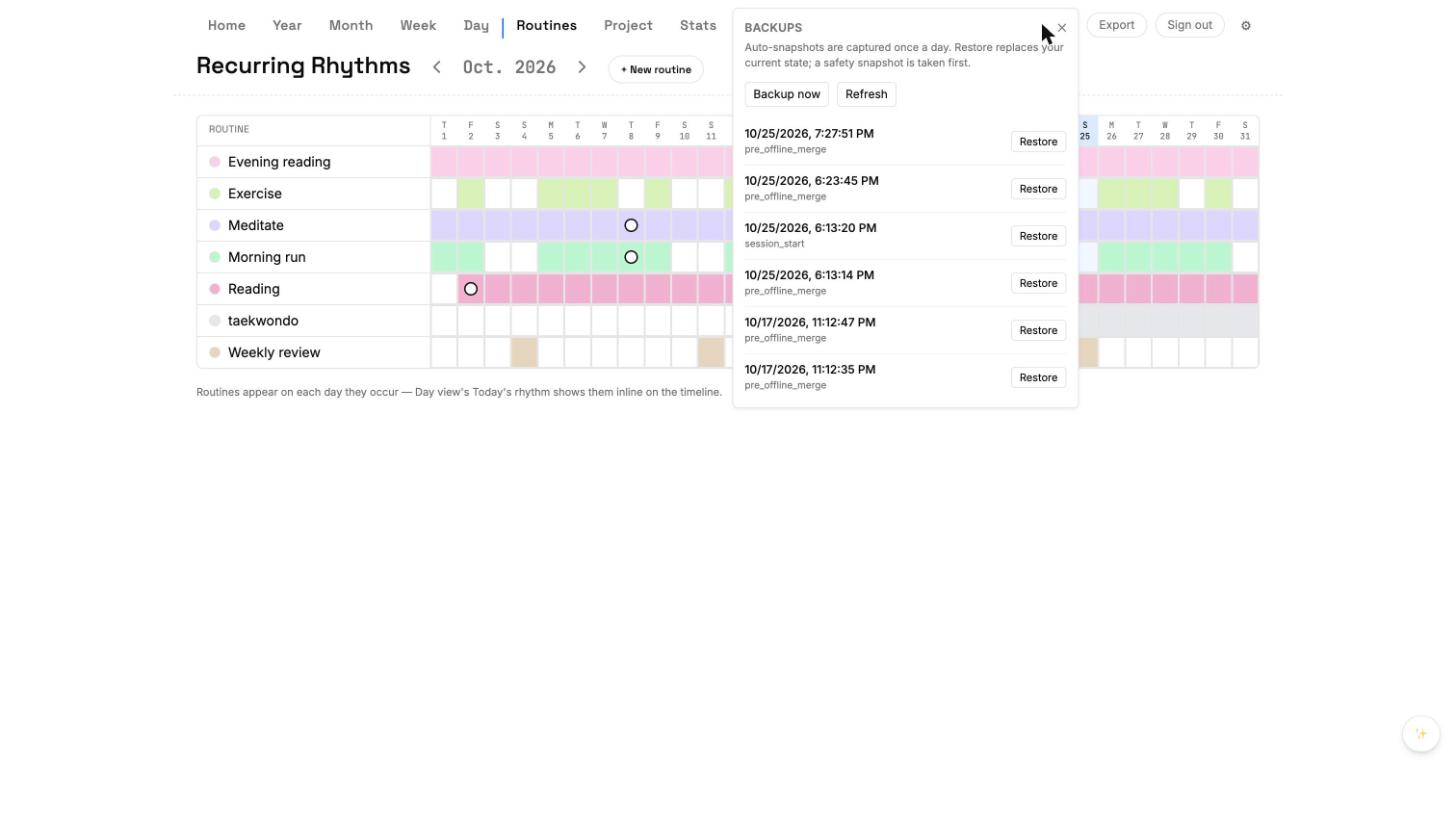
Automatic snapshots
Once a day, Cumulus writes a full snapshot of your database to a local backup folder. The last 30 days of snapshots are kept; older ones rotate out. Nothing you need to configure.
Manual snapshot
- Open Settings → Backups.
- Click Create snapshot now.
- Give it a label (optional) and save.
- The snapshot appears at the top of the list, flagged 'manual'.
Restoring
Click Restore next to any snapshot. Cumulus confirms once, then rolls your database back to that snapshot. Current data is itself snapshotted first, so you can undo the undo.
JSON export
- Settings → Backups → Export JSON.
- One file with every task, routine, project, journal entry.
- Readable in any text editor — your data is yours.