Month
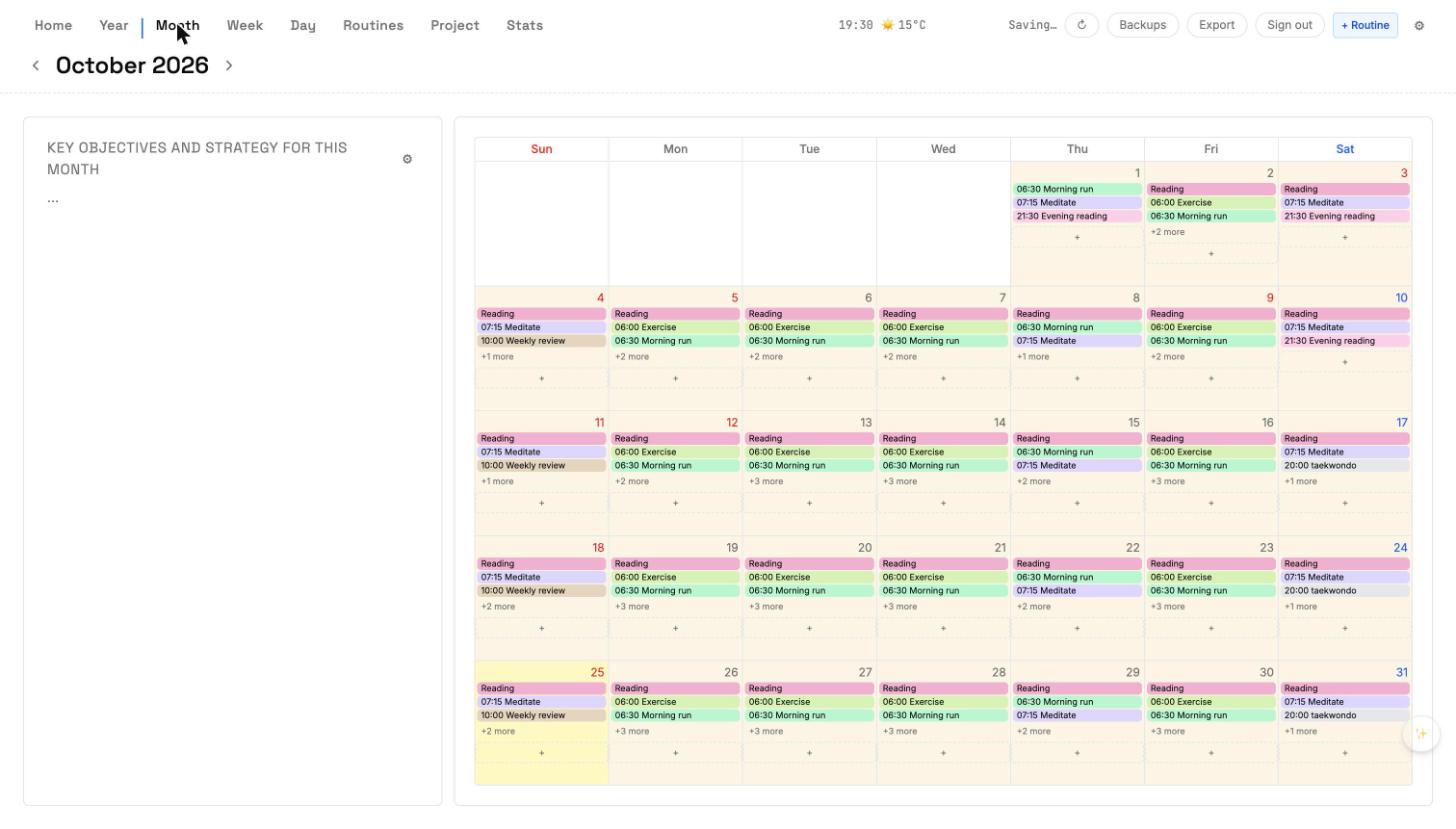
The Month view.
Month view has two parts. The left panel holds Monthly Objectives — three to five key things for the month. The right is a classic 7-column calendar, with every date clickable.
Monthly Objectives
Add 3-5 objectives for the month. They stay visible every time you open Month view, so the day-to-day doesn't drift from the bigger intent.
Calendar
- Click a date to open that day's Day view.
- Routines paint their matching date cells automatically.
- Multi-day plans from Year view cascade down and show as a stripe.
- Monthly date slots you set here (not routines) persist per date.
Navigation
Use the chevrons at the top to move month to month, or press ← / →. Press T to jump back to the current month.