Routines
Routines.
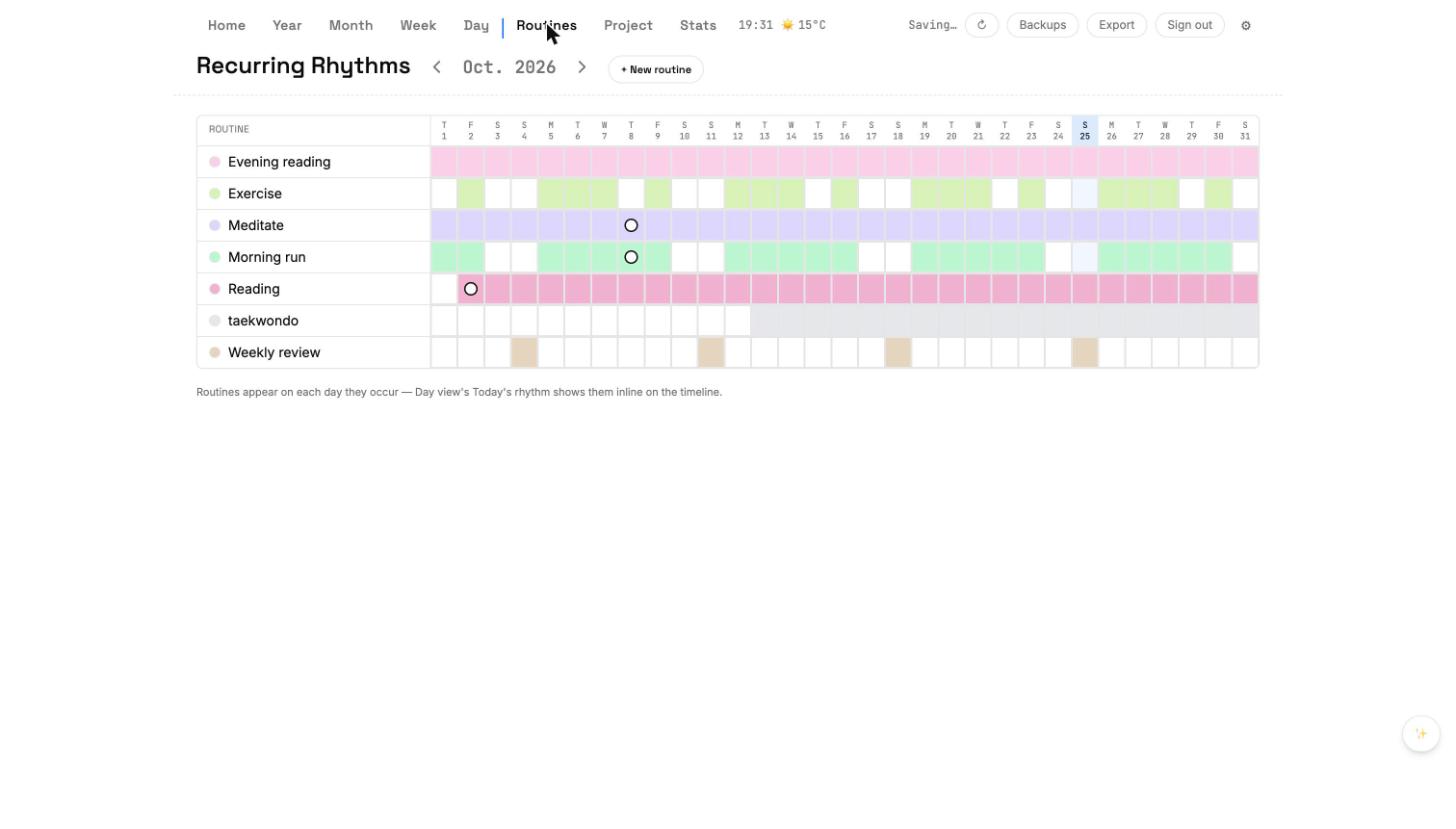
Routines are repeating habits. Each routine has a frequency, a target duration, and an optional default hour. Cumulus paints matching cells in Day, Week, Month, and the Routines grid.
Creating a routine
- Open the Routines panel.
- Click + New routine.
- Give it a name, pick a color, pick a frequency (daily, weekly M-F, three times a week, custom).
- Optional: set a target duration (minutes) and a default start hour.
- Save. The routine is now live everywhere.
The Routines grid
A monthly grid, one row per routine. Each column is a day. Click a cell to log that day's completion; the Day view's Rhythm picks it up automatically. The grid is the fastest way to see which habits you're actually keeping.
Routine Configurator
- Click a routine's name to open the configurator dialog.
- Change frequency, color, duration, default hour.
- Enable 'Pin to Week' to make the routine show on Week day cards.
- Delete the routine; past log cells stay as record.