Settings
Settings.
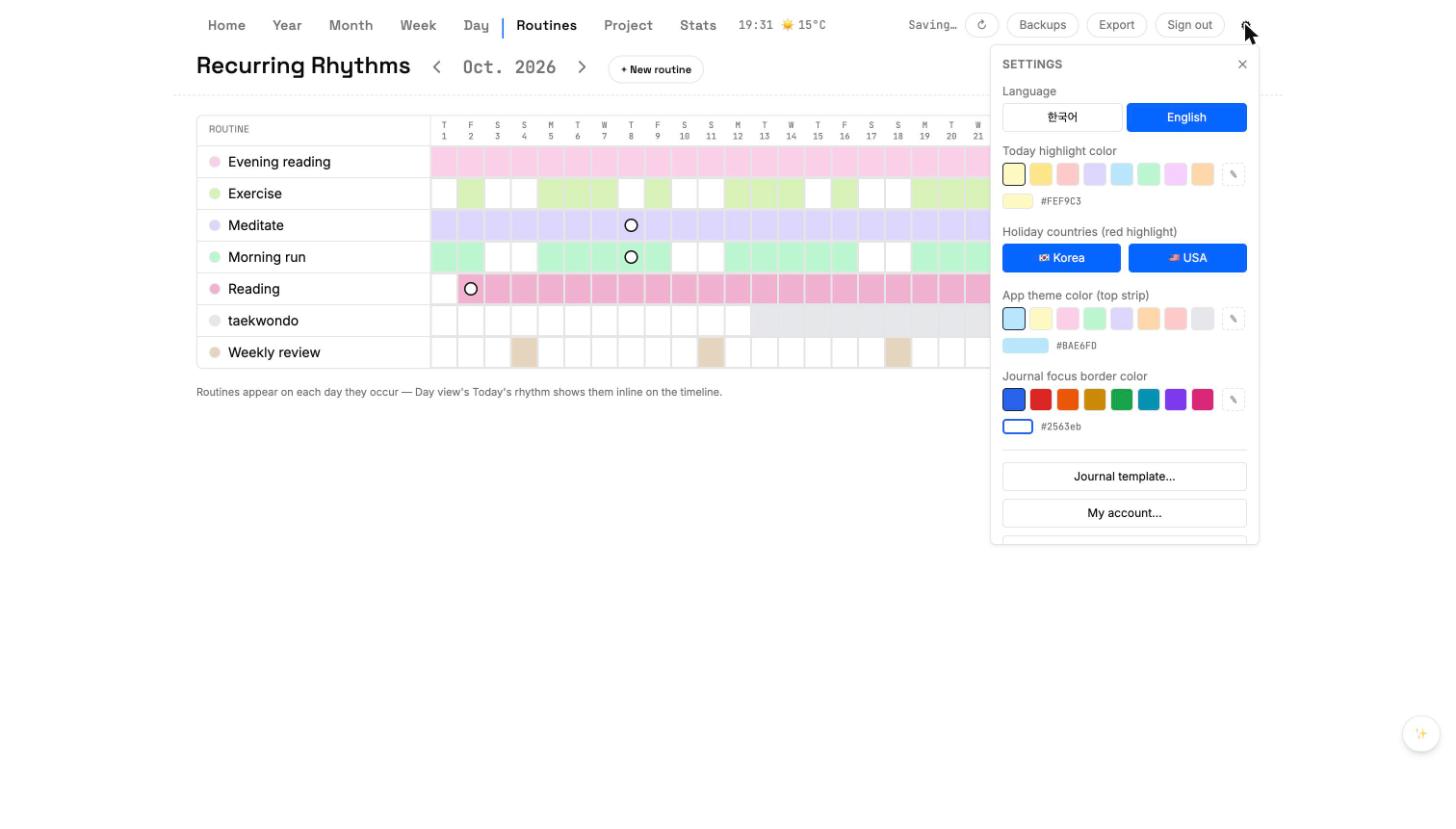
Settings is reached from the cloud icon in the top-right. It has account controls, category and palette preferences, display options, and backup access.
Account
- Signed-in email and sync status.
- Sign out of this device without touching cloud data.
- Delete account (future) — exports JSON and removes cloud copy.
Categories
Edit the category names and colors used across tasks. Changes here propagate to every view immediately.
Display
- Theme — light / dark / system (future).
- First day of week — Sunday or Monday.
- Default view on open — Day, Week, Month, or Year.