Year
The Year view.
Twelve rows, one per month. Each row holds multi-day macro plans — a trip, a sprint, a season of training. Plans added here cascade down into Month and Day views.
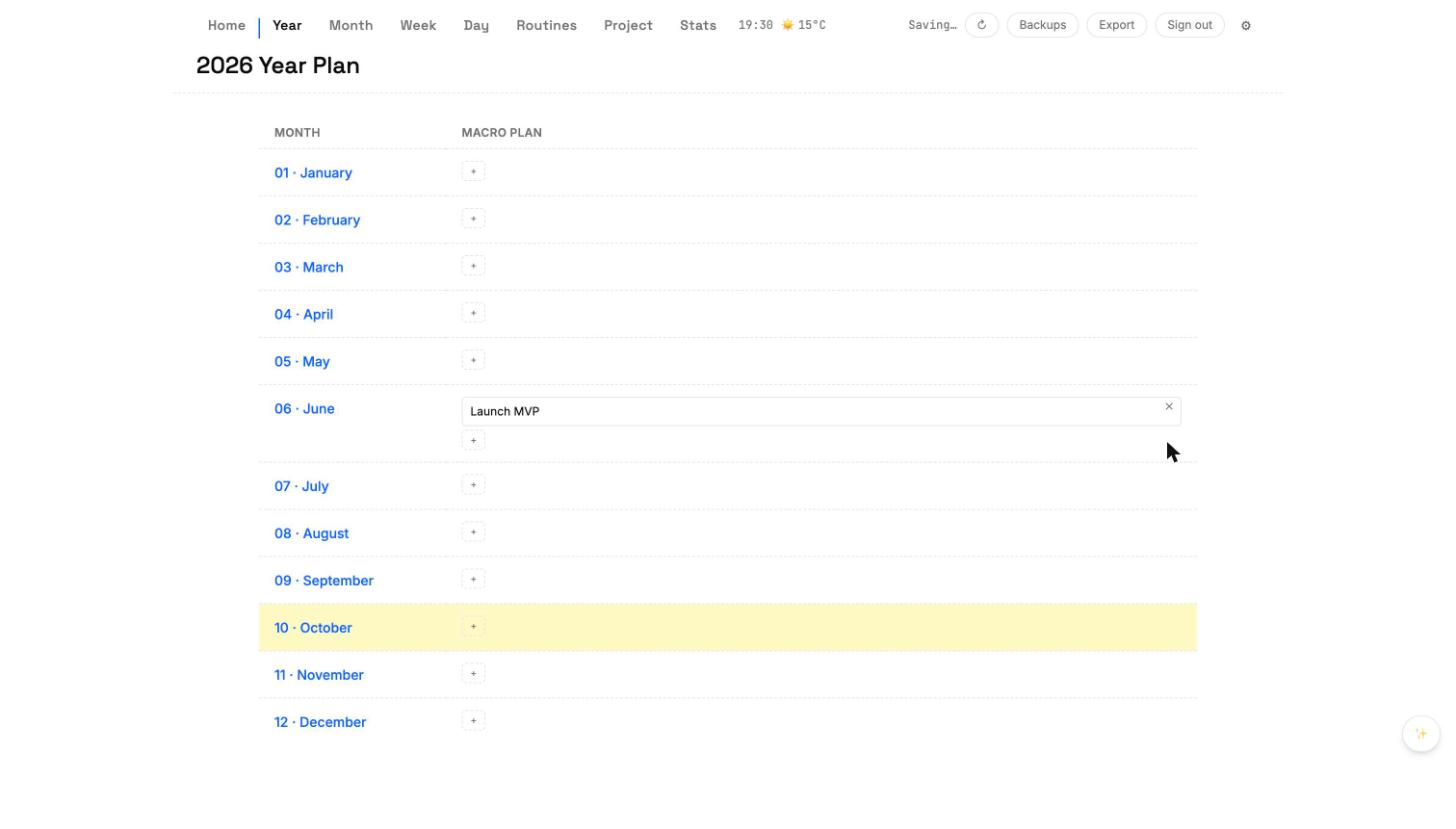
Adding a macro plan
- Click a month row.
- Enter the plan title.
- Pick a start date and an end date (optional — a single-day plan is fine).
- Save. The plan appears in Year view and inside every day in its date range.
Editing or deleting
Click a plan to open the editor. Changes propagate down to Month and Day. Deleting from Year removes the plan everywhere; a tombstone marker keeps a slow-syncing device from re-creating it.